Selora
The idea came from a problem I personally experienced: we write things down but rarely revisit them. Inspired by features like Snapchat Memories and Google Photos’ Highlights, I explored how resurfacing past moments could work for text and whether it could support reflection.
I designed Selora as a digital journal that resurfaces past entries through time and tags, giving them the potential to offer new value over time. Research into memory and reflection informed this product direction, particularly the approach to tags and user control.
Selora still has open questions around how the interface should adapt to different stages of use and how the resurfacing logic should work and evolve as journals grow. My next step would be to test the concept with real users and explore how the product could develop from there.
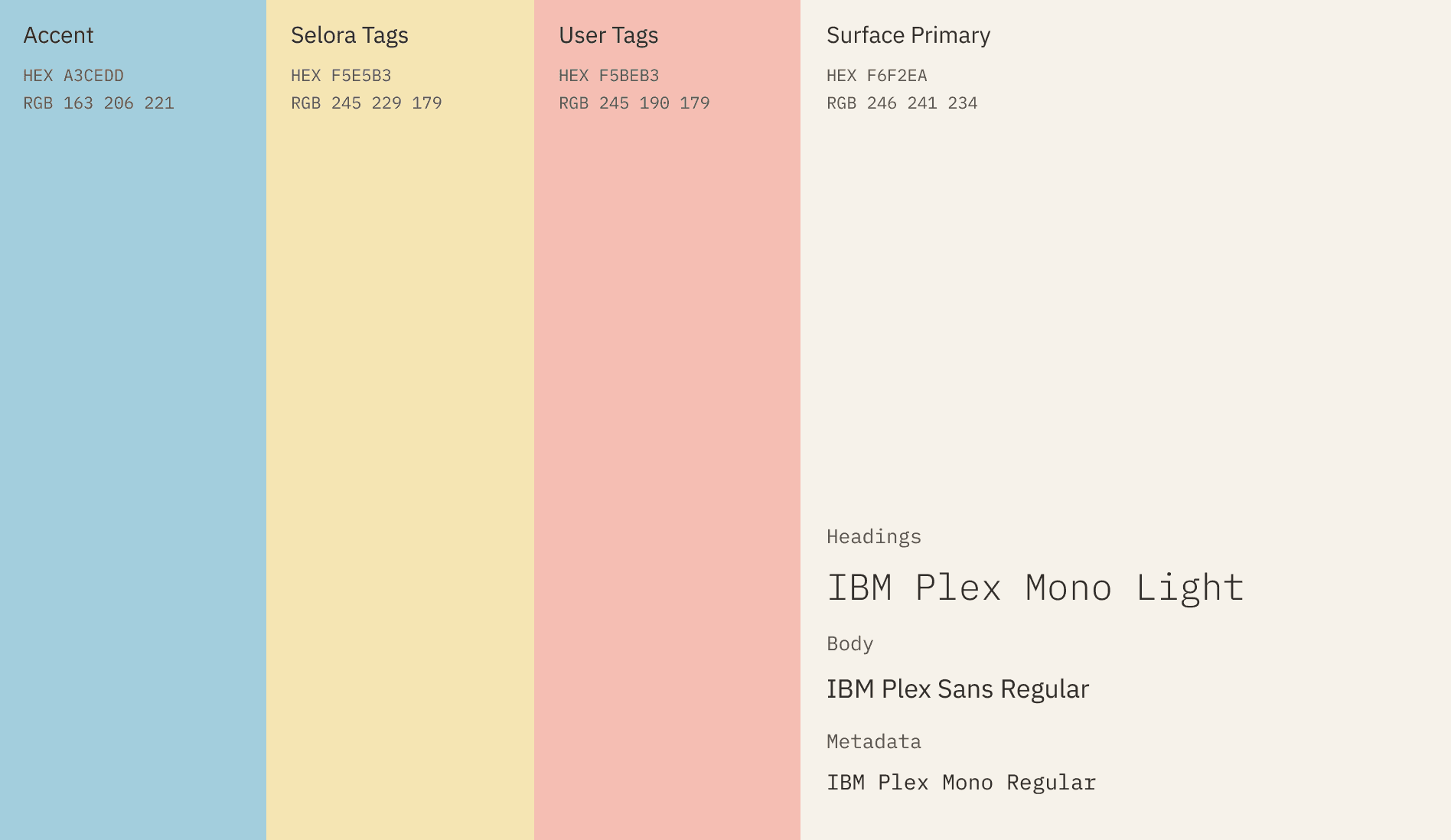
The UI is built around three attributes: calm, personal and structured. The soft, understated palette and simple layout keep the interface calm and focused on writing. IBM Plex Sans makes the body text easy to read, while IBM Plex Mono gives headers, tags and metadata a typewritten structure with a subtly technical edge. Together, these choices make Selora feel like a smarter digital journal that stays personal.
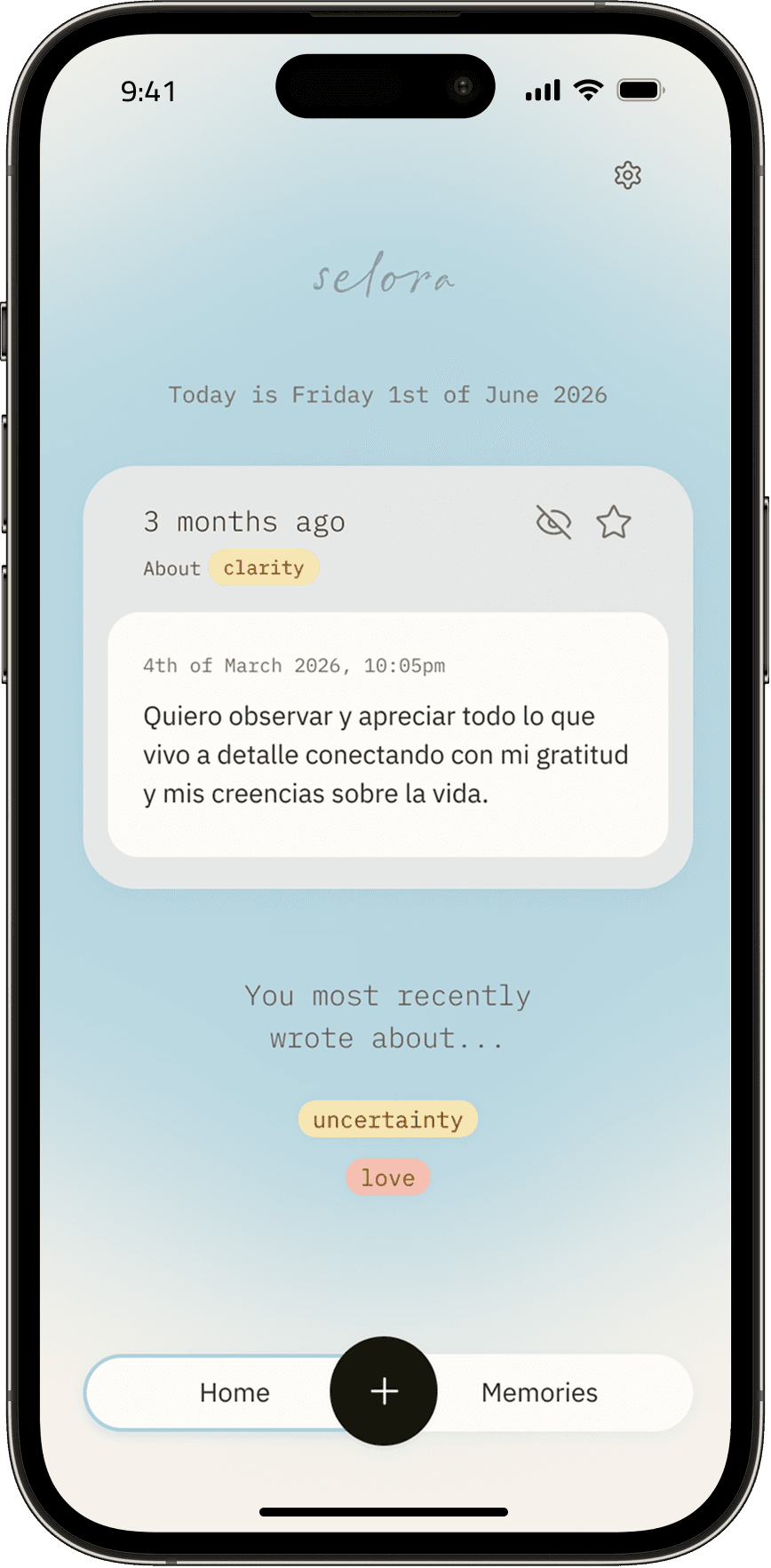
A notification introduces a resurfaced entry, shown along with the two most recently used tags. Each resurfaced entry can be starred to revisit later or hidden so it doesn't resurface again.
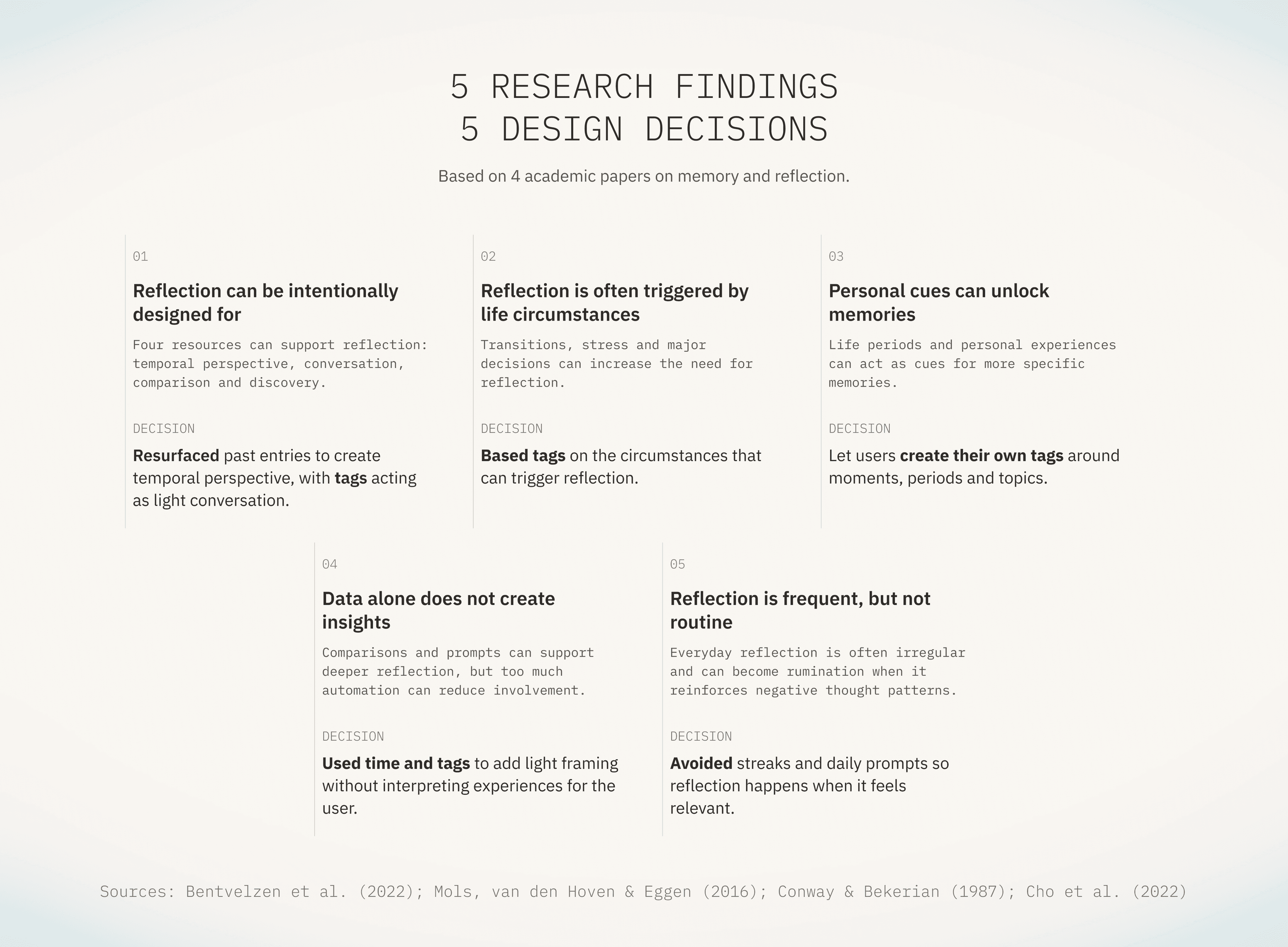
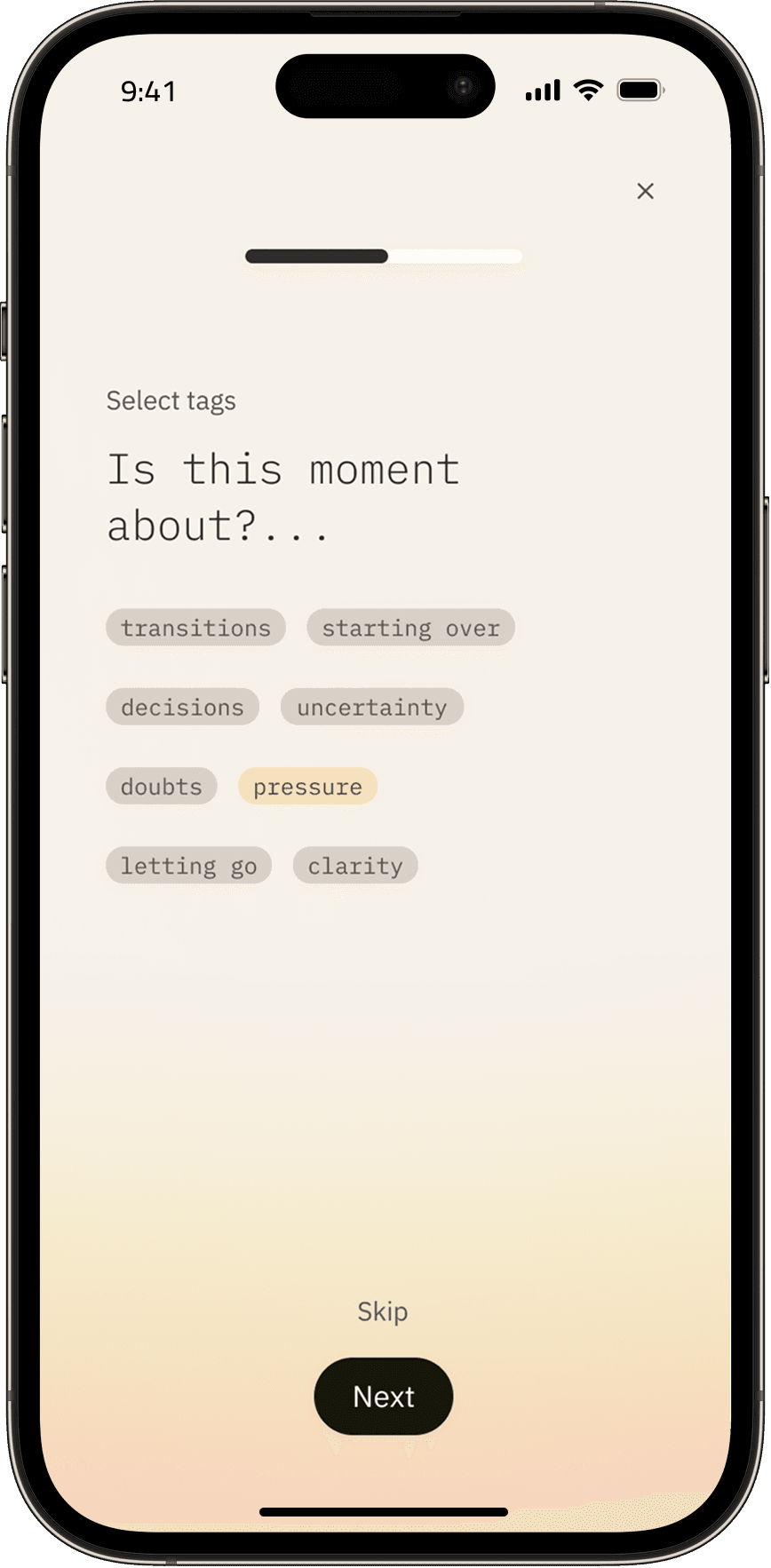
Before writing, the user can select a tag to aid future resurfacing. Tags are based on common reflection triggers from the research. They also work as subtle prompts, reducing blank-page paralysis. This step can be skipped, and tags can be edited later.
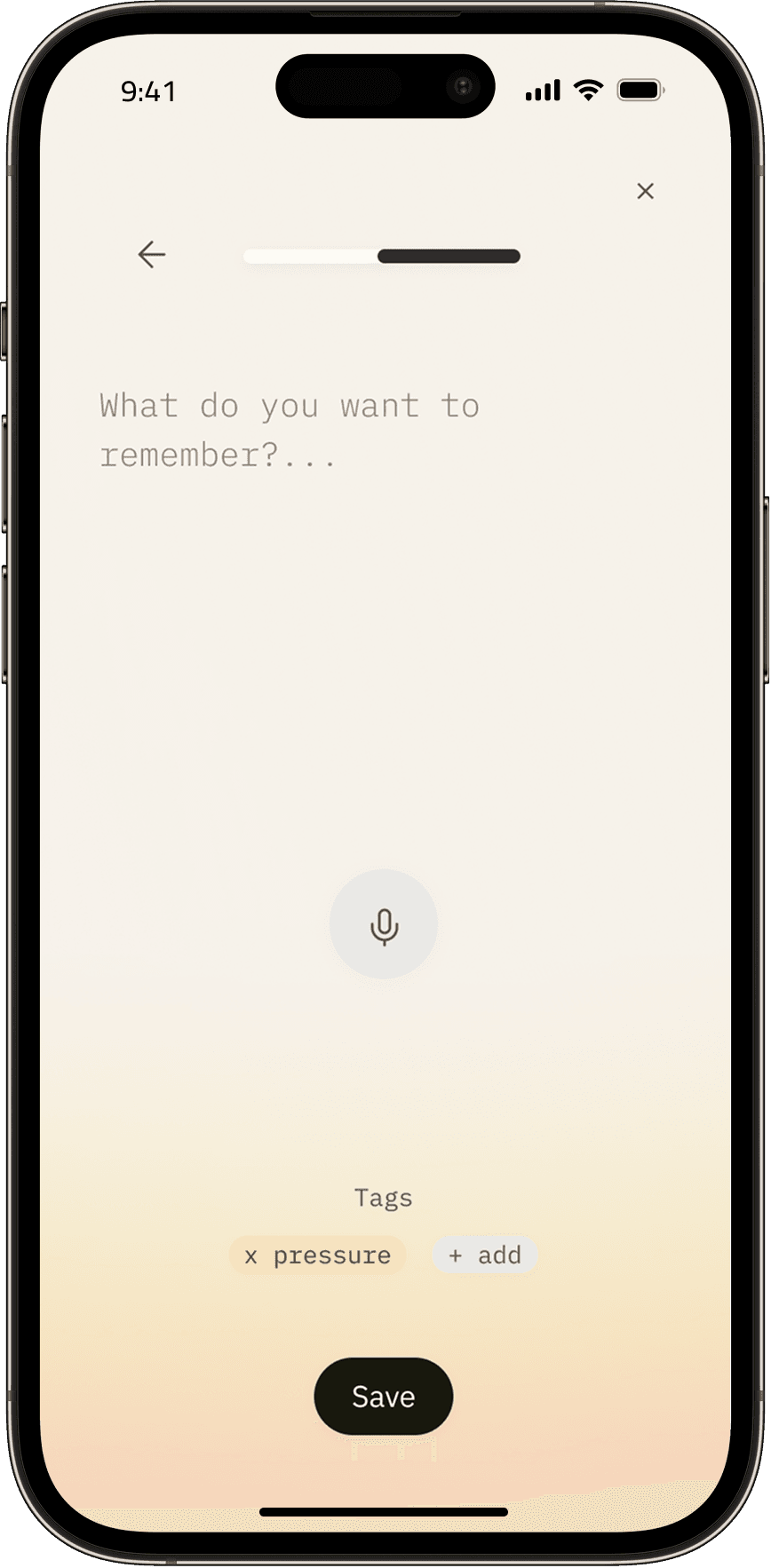
The screen stays simple, keeping focus on the act of writing. The placeholder text offers a gentle starting point. Voice-to-text is highlighted to make storing reflections seem as easy as speaking.
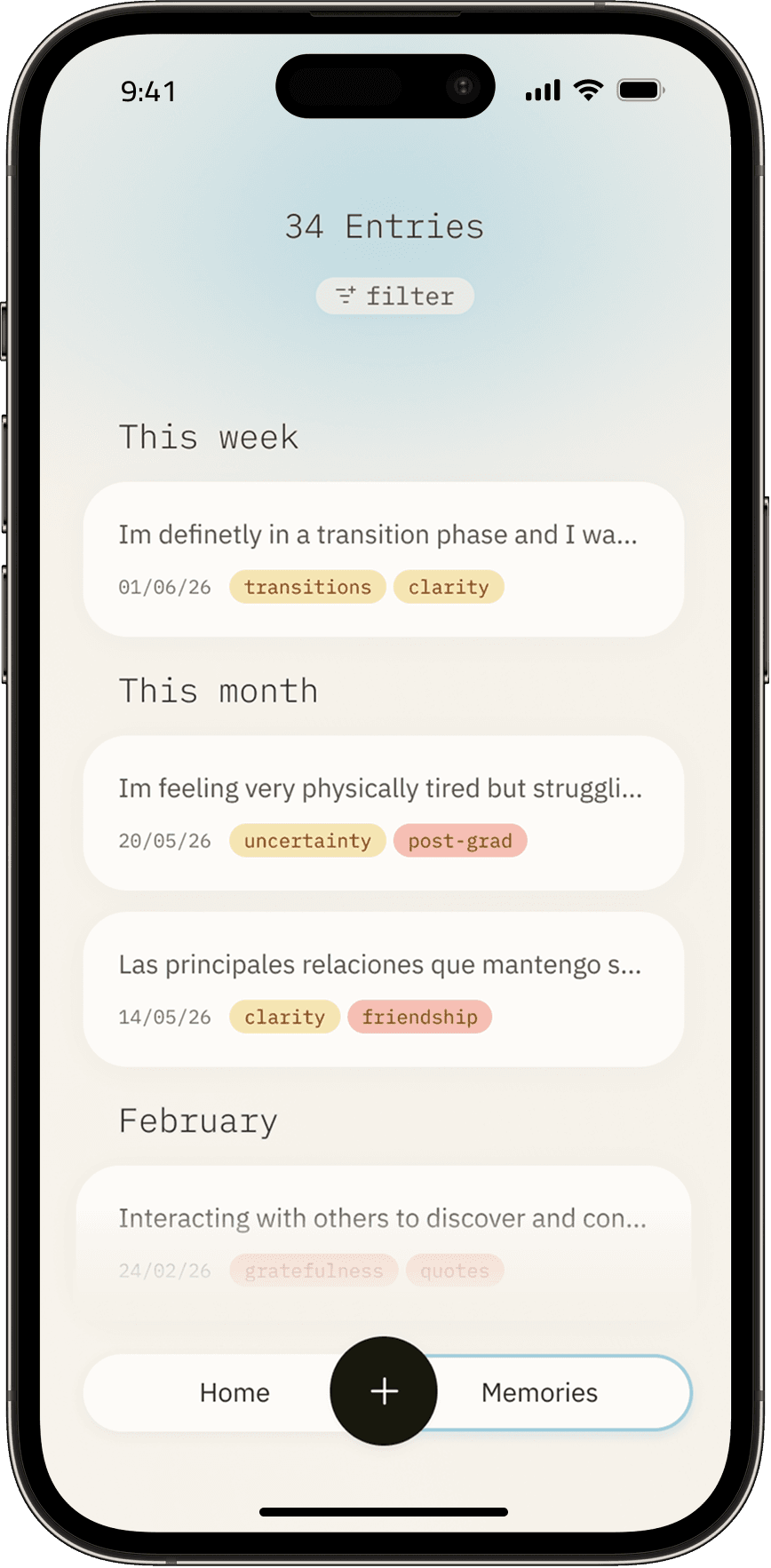
All entries are saved in Memories, organised by recency with visible tags to make them easier to recognise and revisit. Entries can be filtered by tags and/or dates.